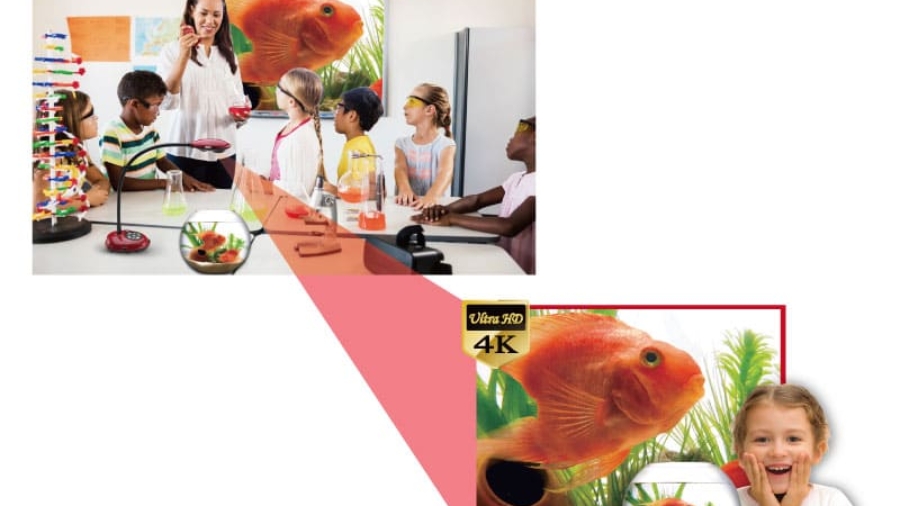
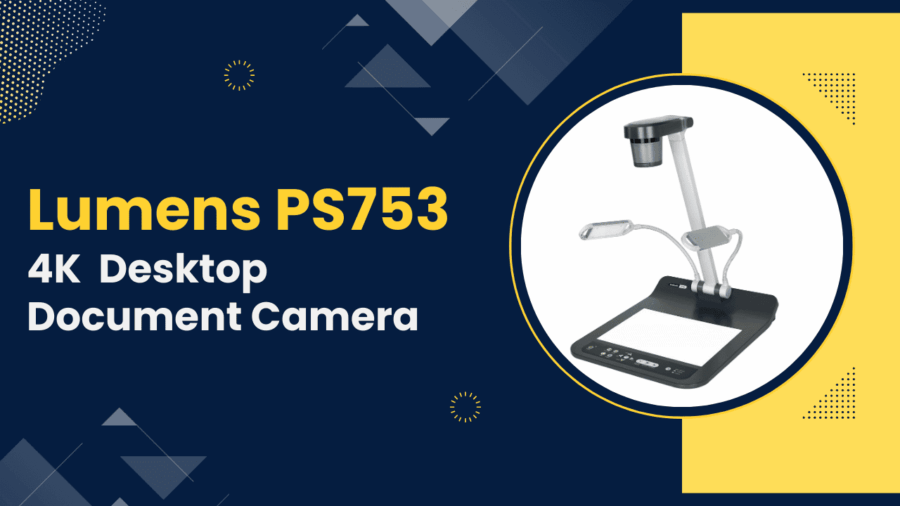
In today’s smart classrooms, technology is more than just a support tool—it’s a way to make learning interactive, engaging, and memorable. Among the many tools available, the visualiser (document camera) stands out as a simple yet powerful device. It allows teachers to project real-time images of documents, books, or objects onto a larger screen, making lessons more dynamic.
But beyond just showing a page from a book, a visualiser can be used in many creative ways. Here are five innovative ideas teachers can try in their classrooms:
1. Live Demonstrations of Experiments
Science teachers can bring experiments to life by projecting them in real time. Instead of crowding around a lab table, students can watch chemical reactions, dissections, or physics setups clearly on a big screen.
👉 This ensures that every student has a front-row view and can follow each step without missing details.
2. Step-by-Step Problem Solving
In subjects like mathematics, teachers can solve problems under the visualiser so students can see every calculation in detail.
👉 Unlike pre-prepared slides, this allows teachers to explain concepts in real time, pause for questions, and even invite students to solve problems under the visualiser for collaborative learning.
3. Showcasing Student Work
A great way to build confidence is to showcase students’ assignments, drawings, or projects using the visualiser.
👉 Whether it’s a beautifully written essay, a geometry diagram, or an art project, displaying student work encourages peer learning and gives recognition to effort.
4. Close-Up View of Real Objects
Visualisers aren’t limited to books or papers. Teachers can use them to show everyday objects, plants, insects, coins, or even historical artifacts in close-up detail.
👉 This makes abstract topics more concrete and helps students connect theory with real-world examples.
5. Recording Lessons for Revision
Most modern visualisers allow recording of lessons. Teachers can capture their explanations, demonstrations, or readings and share them with students later.
👉 This is particularly helpful for revision, self-paced learning, or students who may have missed the class.
A visualiser is more than just a document camera—it’s a teaching partner that makes learning interactive and engaging. By using it creatively, teachers can bring their subjects to life, improve student participation, and make every lesson memorable.
If you’re planning to upgrade your classroom technology, a visualiser is one of the smartest investments you can make.